
Runaway Pets6.2.6 - Google Play
You'll be able to see results in few seconds.
Publisher Description
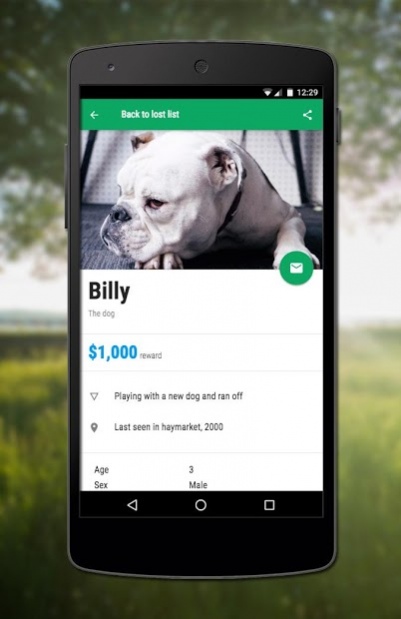
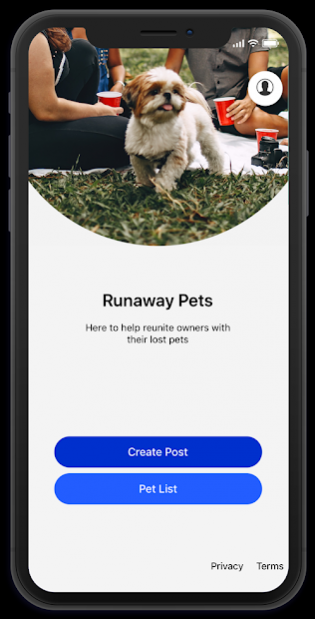
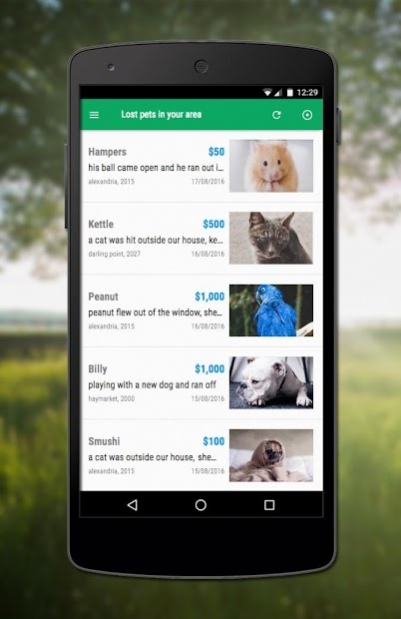
** Lost a pet?
Nothing is more terrifying than when your pet goes missing.
In three easy steps, you can mark the last seen location of your pet, upload your pets details and a picture, notify all the users in your area & for even more coverage share your post on social media.
Best of all it free!
** Found a pet?
Finding a pet can be a stressful situation, what do you do? Who do you call?
In three easy steps create a post & notify all nearby owners of your found pet. Increasing the speed that a lost pet is found.
Simply mark the found location on the map, snap a photo of the pet and fill out some simple details. Its as easy as 1, 2, 3.
** Looking to earn some extra cash?
Our goal is to help reunite as many pets with their owners. But we need your help! Most posts have a cash reward to secure the safe return of their pets.
We notify users who are in the area when a pet has been lost. So if you can reunite the pet with the owner, you can claim the reward.
** Our features
- 3 easy steps to notify all users in the area.
- Simple Sort & Filter results in your area.
- Simple Sign Up/ Login process.
- Easy to use upload / take a photo and crop the pets image.
10 million pets are lost each year & only 1 in 10 is reunited with their owner. Lets get these statistics up!
About Runaway Pets
The company that develops Runaway Pets is Foxstrike. The latest version released by its developer is 6.2.6.
To install Runaway Pets on your Android device, just click the green Continue To App button above to start the installation process. The app is listed on our website since 2019-06-21 and was downloaded 0 times. We have already checked if the download link is safe, however for your own protection we recommend that you scan the downloaded app with your antivirus. Your antivirus may detect the Runaway Pets as malware as malware if the download link to co.runawaypets.runawaypets is broken.
How to install Runaway Pets on your Android device:
- Click on the Continue To App button on our website. This will redirect you to Google Play.
- Once the Runaway Pets is shown in the Google Play listing of your Android device, you can start its download and installation. Tap on the Install button located below the search bar and to the right of the app icon.
- A pop-up window with the permissions required by Runaway Pets will be shown. Click on Accept to continue the process.
- Runaway Pets will be downloaded onto your device, displaying a progress. Once the download completes, the installation will start and you'll get a notification after the installation is finished.
Program Details
System requirements
Download information
Pricing
Version History
version 6.2.6
posted on 2019-06-21
Fix
* Minor bugs and fixes
version 3.3.1
posted on 2016-10-09
Feature:,Larger size posts now available for purchase.,Pet details are now able to be edited. Simply navigate to your pet details post and press the edit button.,Team Runaway
Disclaimer
Official Google Play Link
We do not host Runaway Pets on our servers. We did not scan it for viruses, adware, spyware or other type of malware. This app is hosted by Google and passed their terms and conditions to be listed there. We recommend caution when installing it.
The Google Play link for Runaway Pets is provided to you by apps112.com without any warranties, representations or guarantees of any kind, so access it at your own risk.
If you have questions regarding this particular app contact the publisher directly. For questions about the functionalities of apps112.com contact us.
